
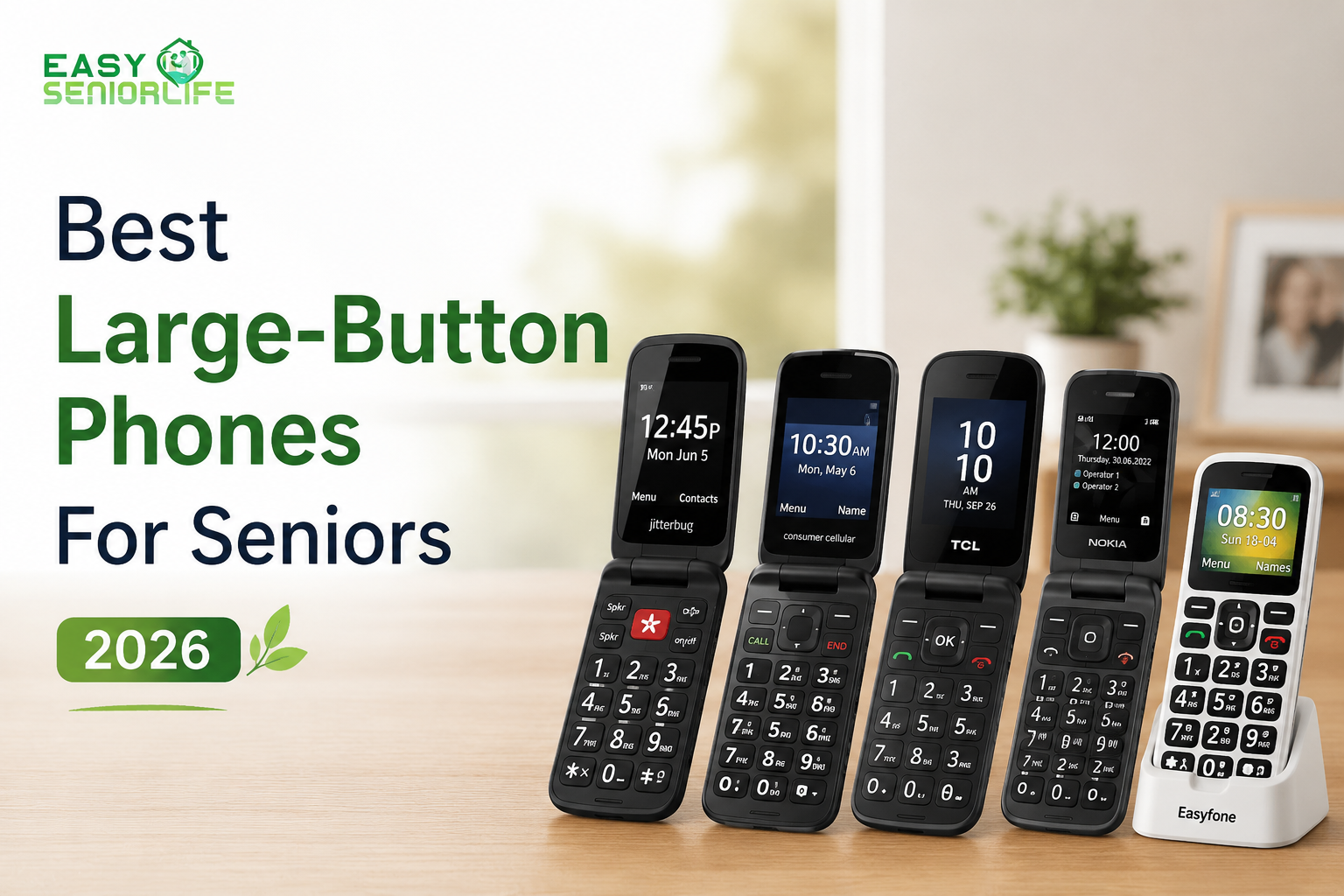

Picking out a phone for your senior citizen may seem easy until you have to do it yourself.
When my grandfather started losing his vision due to complications with cataracts, we learned firsthand how challenging it is to find a phone with features that truly work for seniors. From tiny icons to swipe gestures and multi-layered menus, standard smartphones these days ask a lot from your eyesight. Even answering the phone can become a struggle if you don’t have great vision.
Let’s face it. When talking with loved ones about the best phone for grandma or grandpa, the high-tech features we all know and love don’t matter as much.
My grandfather needs a phone that will allow him to call, listen to music, hear the radio, and easily reach out to loved ones without struggling.
Important Features of Large-Button Phones for Seniors
While aesthetics and price are important, I tend to keep these five things in mind when recommending phones to seniors.
- BIG buttons with high contrast and visual distinction
- Louder speakers and ringtone volume
- EASY menus
- LONG battery life
- Built in emergency assistance
Bonus tip: Buttons that don’t fade away or wear out with time.
I know what you might be thinking: Who cares about apps? Or camera quality? If you’re helping an aging parent or loved one pick out a new phone, these are the features that should be at the top of your list.
Phones with Large Buttons Recommended for Seniors in 2026
1. Best Overall Senior Phone: Jitterbug Flip2
The easiest large-button phone I’ve found for seniors living in the United States. It comes with a large keypad, bright visual display, and simplistic menu structure.
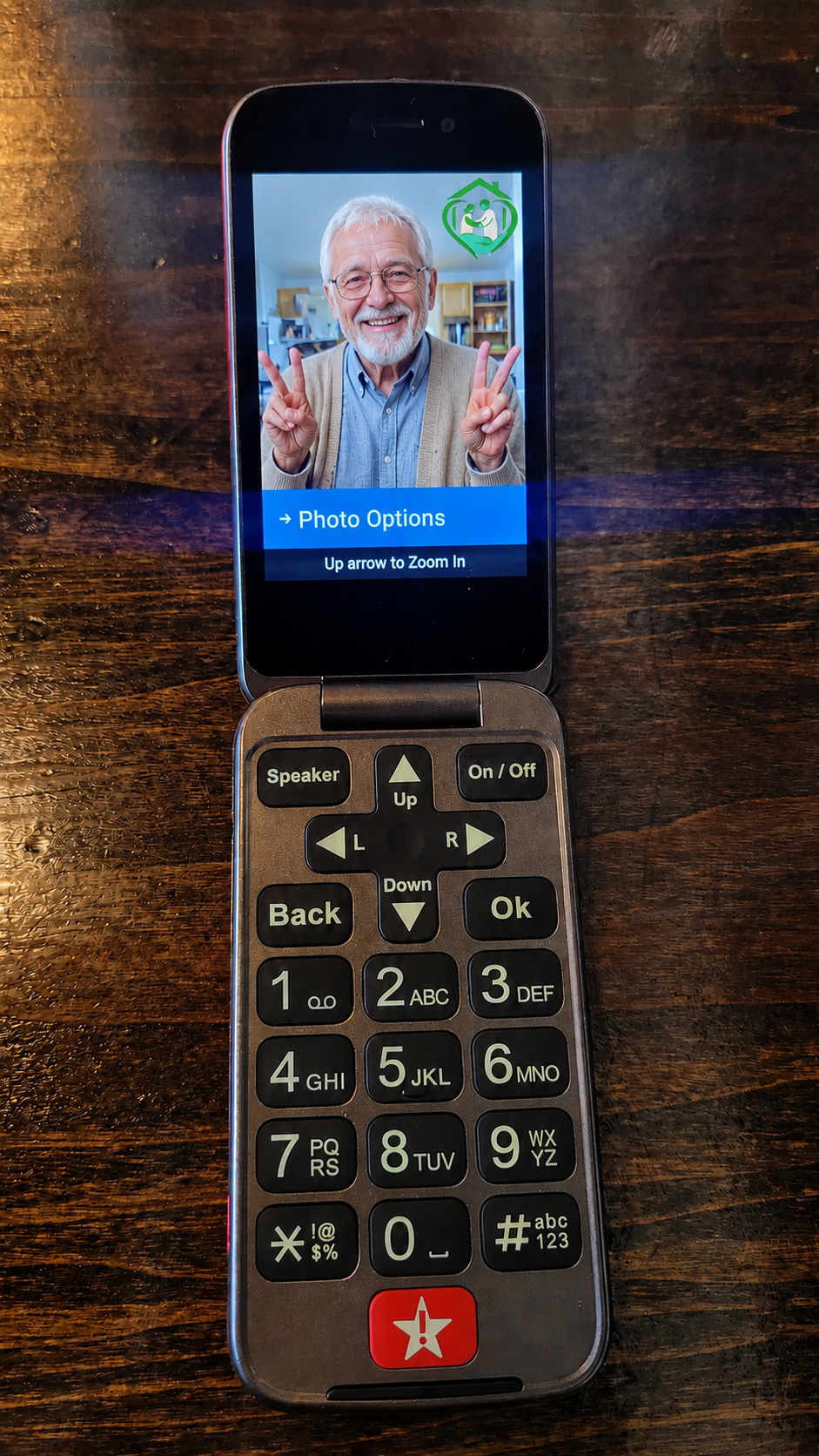
What I Like
- Large buttons that are easy to feel
- Loud and clear sound quality
- Dedicated emergency assist button
- Simplistic navigation menu
Don’t Like
- High initial cost without contract
Best For:
- Seniors who want features specifically catered towards accessibility.
- Grandparents who want a large display to supplement weak eyesight.
- Consumers who prefer simplicity over fancy features.
2. Best Flip Phone for Seniors: Consumer Cellular IRIS Flip
Consumer Cellular manages to make a simple flip phone that doesn’t skimp on reliability. The keypad spacing is generous, and the display makes reading messages easy for seniors who struggle with small type.
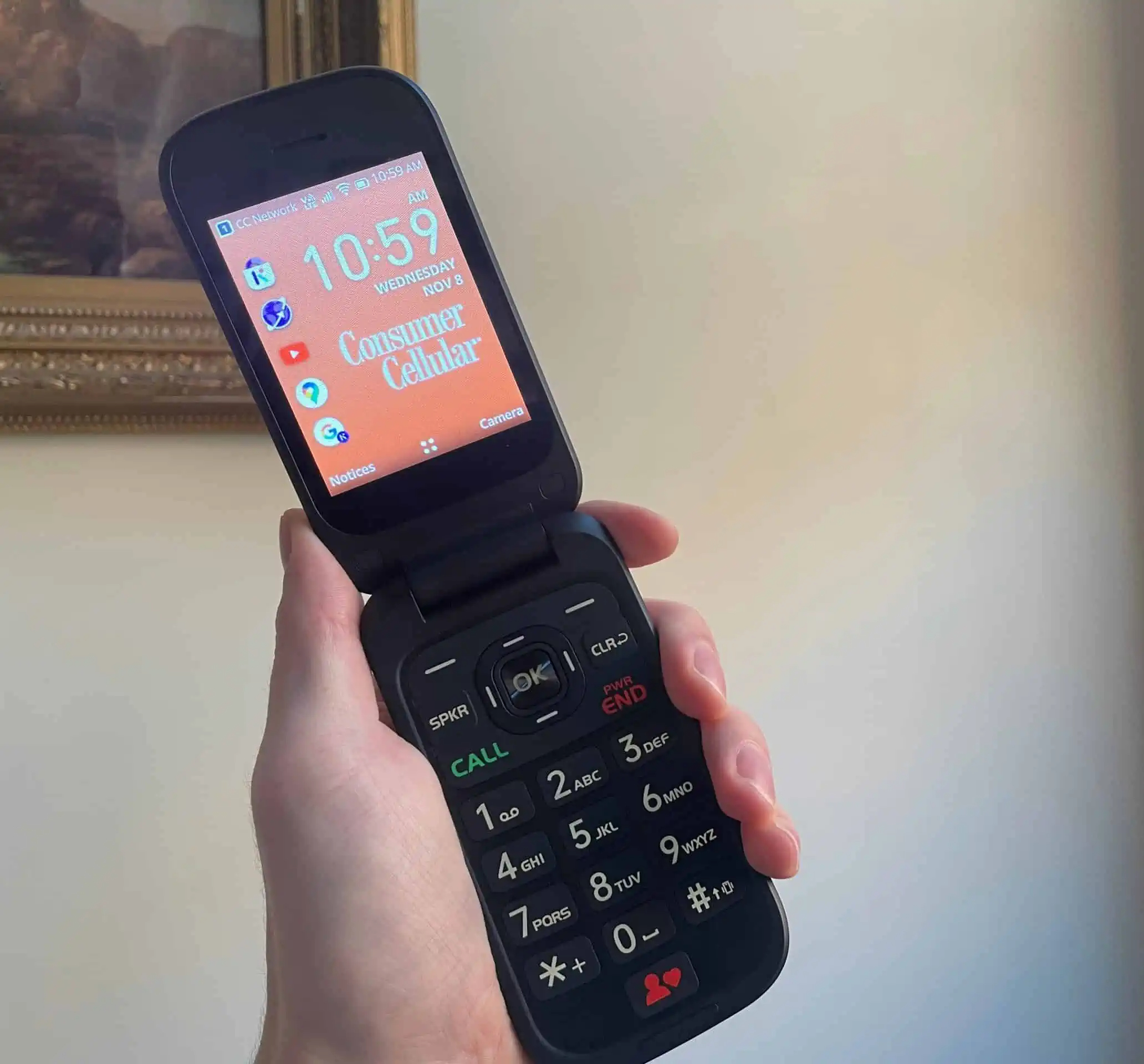
Best Features
- Spacious buttons
- Bright display
- Simplistic user experience
Drawbacks
- Higher cost than traditional flip phones
Best For:
- Seniors that primarily want a phone for calling.
- Easy to use phones for loved ones that don’t need smart capabilities.
- Large button phones that are easy for grandparents to set up.
3. Best Value Flip Phone: TCL Flip 4
This phone gives you bigger buttons than most traditional flip phones without sacrificing call quality. Battery life is impressive too!
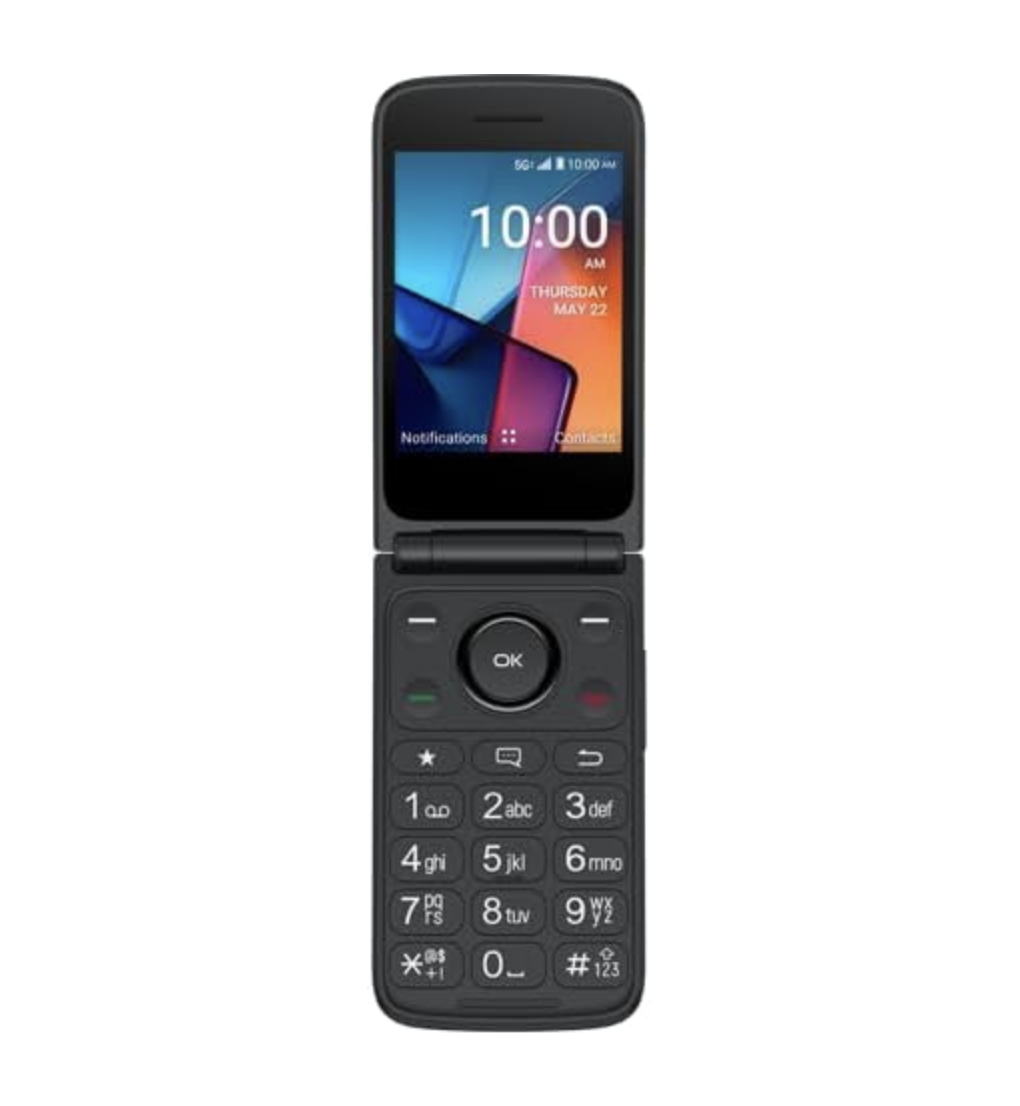
Best Features
- Ample space between keys.
- Compatible with hearing aids.
Drawbacks
- Physical headphone jack not included.
Best For:
- Parents who don’t want bulky buttons but still want an easy-to-read display.
- Seniors who want something simple that still offers great call quality.
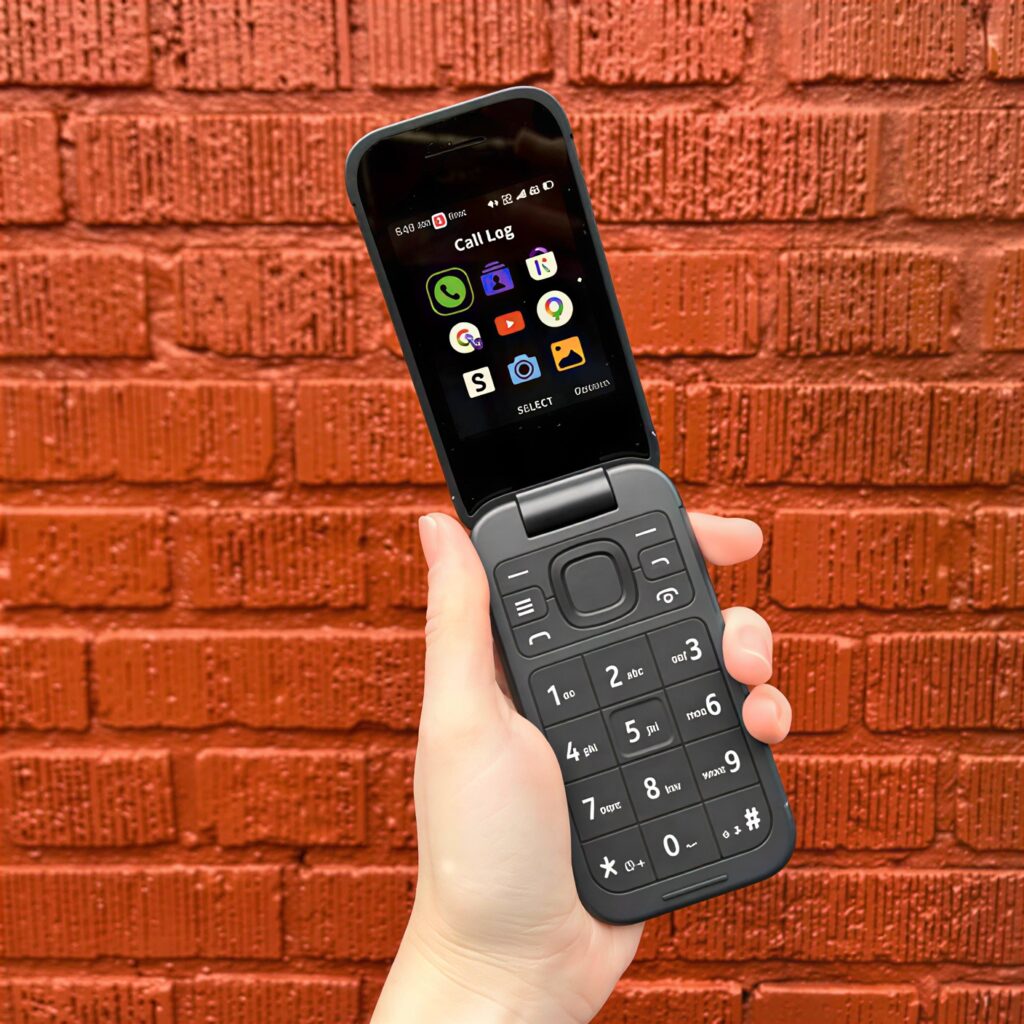
4. Best Budget Flip Phone for Seniors: Nokia 2780 Flip
If there’s one company that never seems to stop making phones seniors can understand, it’s Nokia. While I don’t love their high introductory cost without contract, the buttons are big and the text can be enlarged for easier reading.
Best Features
- Tough durable design.
- Built like a tank.
Drawbacks
- No addictions or smart features.
Best For:
- Grandparents that want physical buttons without all the smart features.
- Budget phones for parents that need long battery life.
- Anyone who could benefit from large text on a basic cell phone.
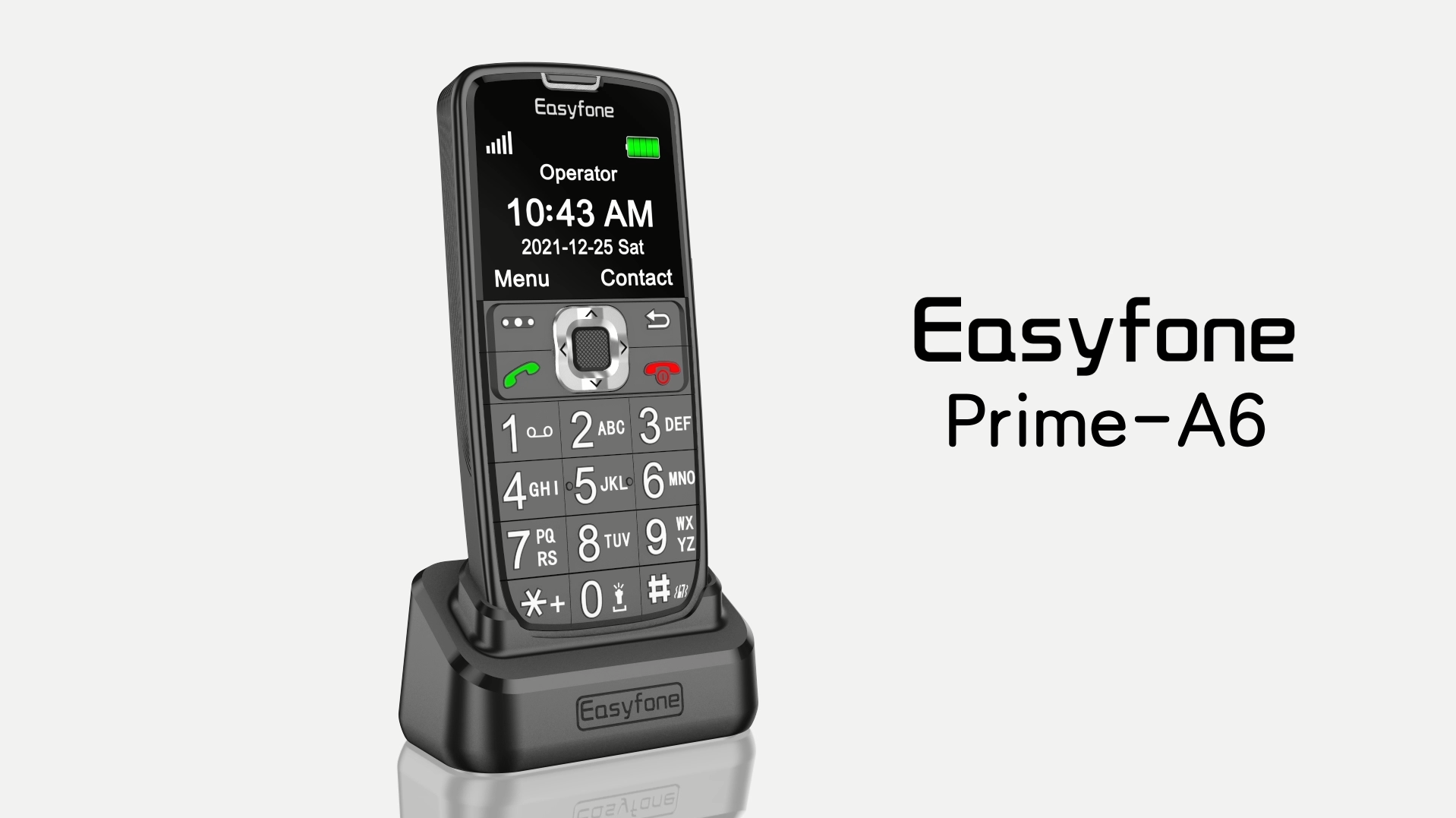
5. Best Dial-Up Phone for Seniors: Easyfone Prime-A6
Easyfone took the feedback from other senior phones and ran with it by creating a device built around accessibility. Not only are the buttons some of the largest on the market, but the Easyfone Prime-A6 comes with a charging dock and simplified dial-up system.
Best Features
- Buttons are extra-large.
- Easily create speed-dials for favorites.
Drawbacks
- There isn’t a user manual available online.
Best For:
- Seniors that need large buttons that are easy to read.
- Large screen phones with simplified dial up options.
- Dial up phones with charging docks.
My Final Recommendation
Your loved ones have lived long enough to see phone technology change a dozen times over. The latest and greatest smartphone isn’t going to impress your parent or grandparent. If they have vision loss or weak eyesight, try to find a phone that they can use confidently without you holding their hand.
In my experience, a large-button phone lets grandma and grandpa feel useful again. Most seniors don’t care about calling their great-grandkids with the fanciest phone on the market. They just want to dial-up, listen to music, hear their favorite radio stations, and reach their family without frustration or worry.
I recommend checking out the Jitterbug Flip2 or Easyfone Prime-A6 for most seniors in 2026. Both have large buttons with visible contrast, loud audio features, and streamlined menus.